|
||
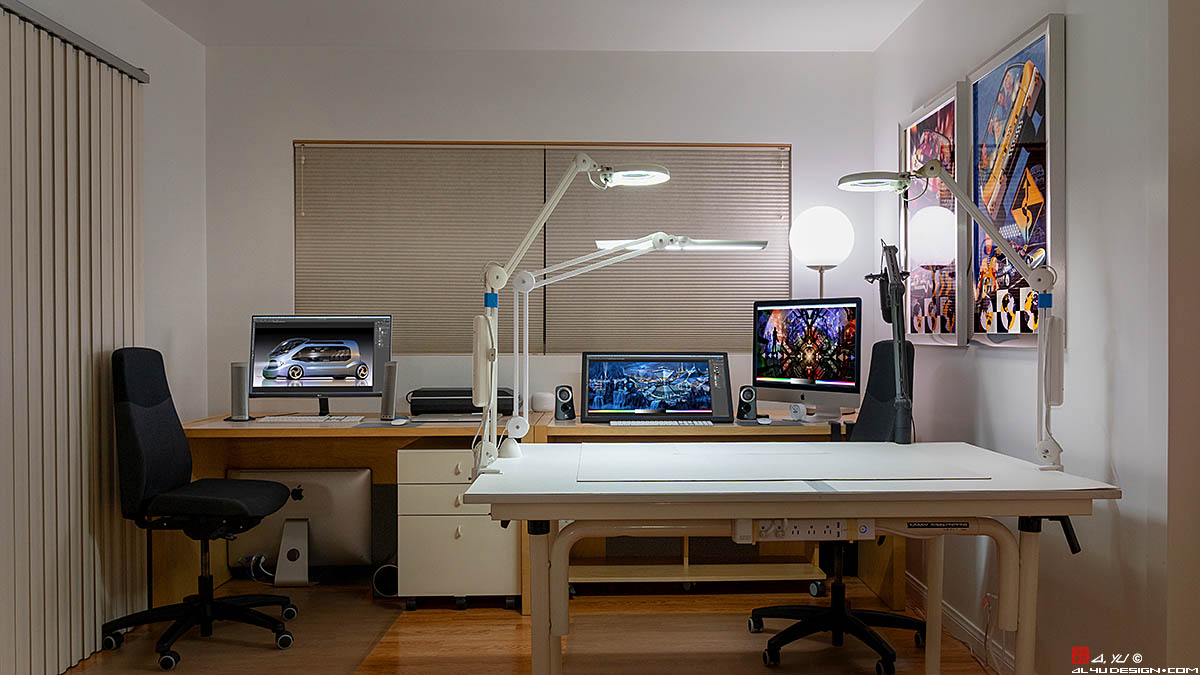
STUDIO Welcome to my studio since 1992. At the beginning, I did traditional artworks on the drafting table and then transitioned to digital art a few years later. On March 16th, 2020, this place was suddenly turned into an online classroom due to COVID-19. I quickly put a Zoom teaching setup together with what I had and could get at the time and made it through this once-in-a-lifetime pandemic. 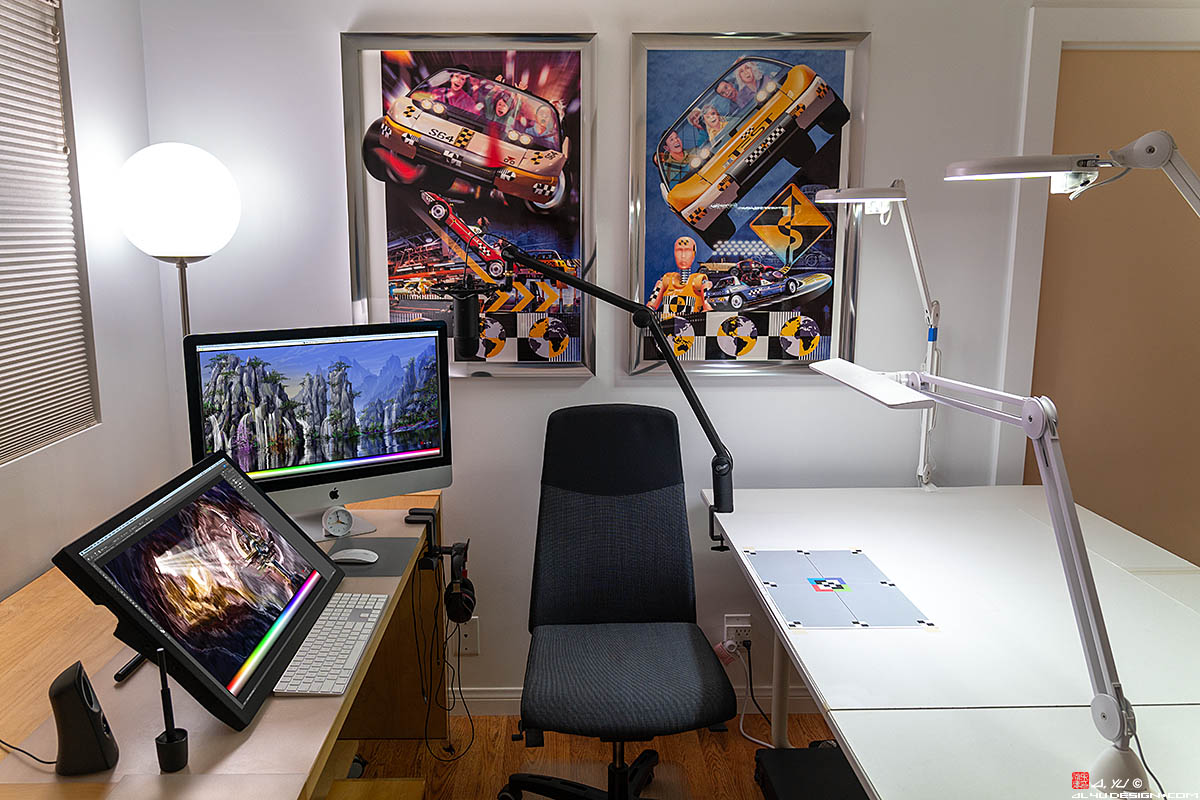
2025 M4 PRO MAC MINI 48GB RAM This computer is tiny yet delivers 3 times the speed of my 2020 iMac 27. The internal 1TB SSD has 6.4GB/s write and 5GB/s read speeds. My main storage is an 8TB WD BLACK NVME SSD in an ACASIS THUNDERBOLT 5 ENCLOSURE, which deliver 5.3GB/s write and 5.1GB/s read speeds. 2020 INTEL IMAC 27 5K 500 NITS 72GB RAM Purchased for COVID ZOOM teaching, this computer arrived right before the 2020 fall semester and got me through the lock down. The 5K 27" screen with 500 nits of brightness is gorgeous! Windows 10 is installed on a Boot Camp partition to run PC software = the best of both worlds. 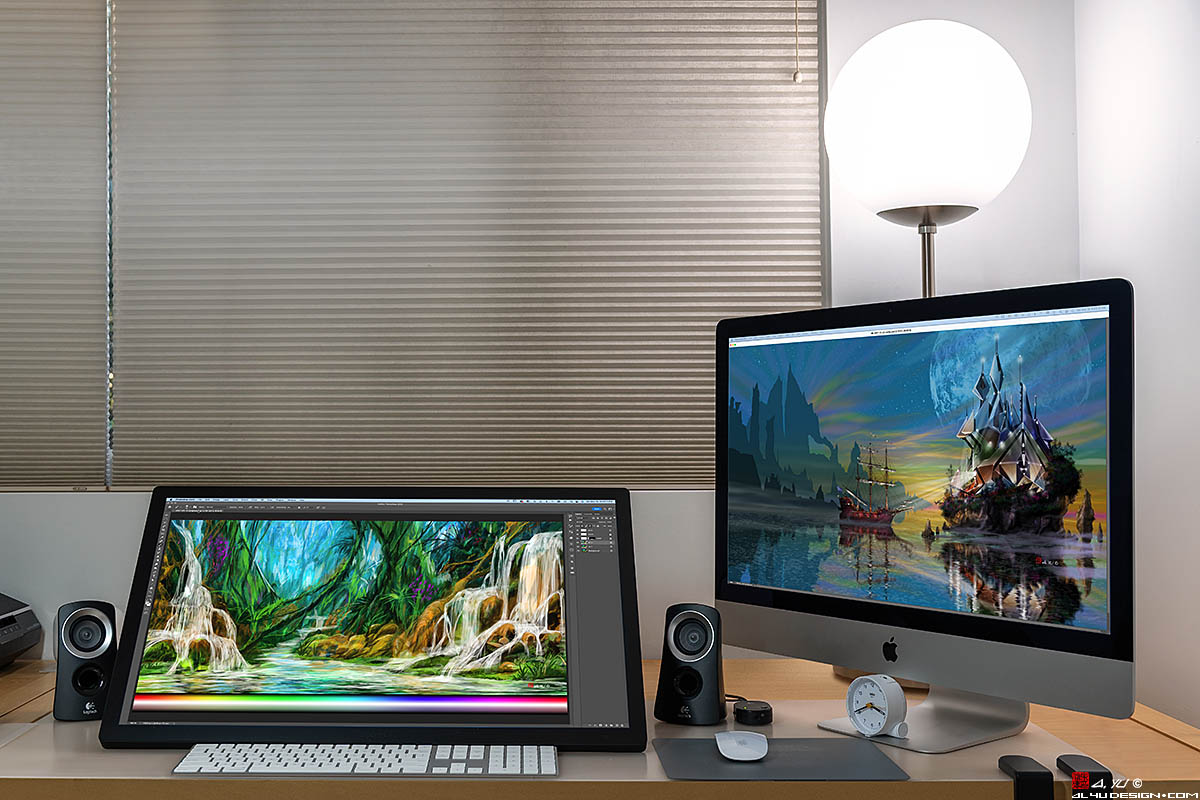 APPLE STUDIO DISPLAY 27 5K 600 NITS I purchased this display because it has 600 nits of brightness and matches the color accuracy, design, resolution, and size of my iMac 27 5K with 500 nits of brightness. 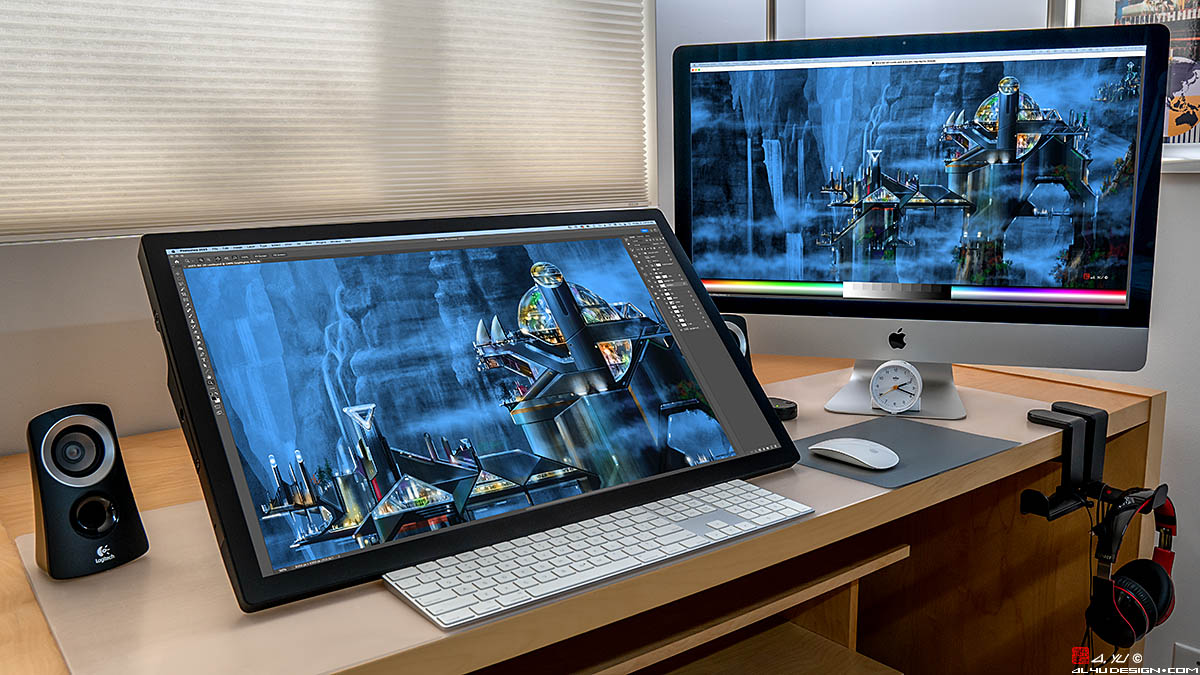 WACOM CINTIQ PRO 27 4K 120HZ 10 BIT 400 NITS This pen display is my main digital painting tool with a drawing area 597 X 335 mm (23.5 X 13.2 in). It is used in a dual-monitor setup, displaying the entire artwork on the Apple Studio Display, while drawing details on the Cintiq. This eliminates the need to zoom in and out constantly to see the entire artwork. Reasons for choosing Cintiq Pro 27 in the order of importance: • EYE HEALTH: A screen this size reduces daily eye fatigue, which is good for the long term health of my eyes. • 27" DRAWING AREA: This is the perfect size for my arm to reach corner to corner comfortably all day long, and the screen is large enough to show fine details. • 400 NITS BRIGHTNESS: Cintiq 27 is the brightest pen display available and comes close to my Apple Studio Display (600 nits) and iMac (500 nits). • COLOR ACCURACY: It is extremely important that colors appear the same on all of my monitors. • PEN ROTATION: Wacom Art Pen and Art Pen 2 support brush rotation, delivering the natural feel of flat brushes and calligraphy pens. • 10-BIT COLOR: This panel displays over 1 billion colors for smooth gradients and 10-bit videos. • 120 HERTZ: The fast refresh rate is great for 4K 120p video and gaming. CAUTION: Use only rulers and triangles made out of soft plastic with round corners and edges as the Cintiq glass surface can be scratched easily! Costs of screen replacement in 2026: Wacom $1,658 + UPS $123 = $1,781 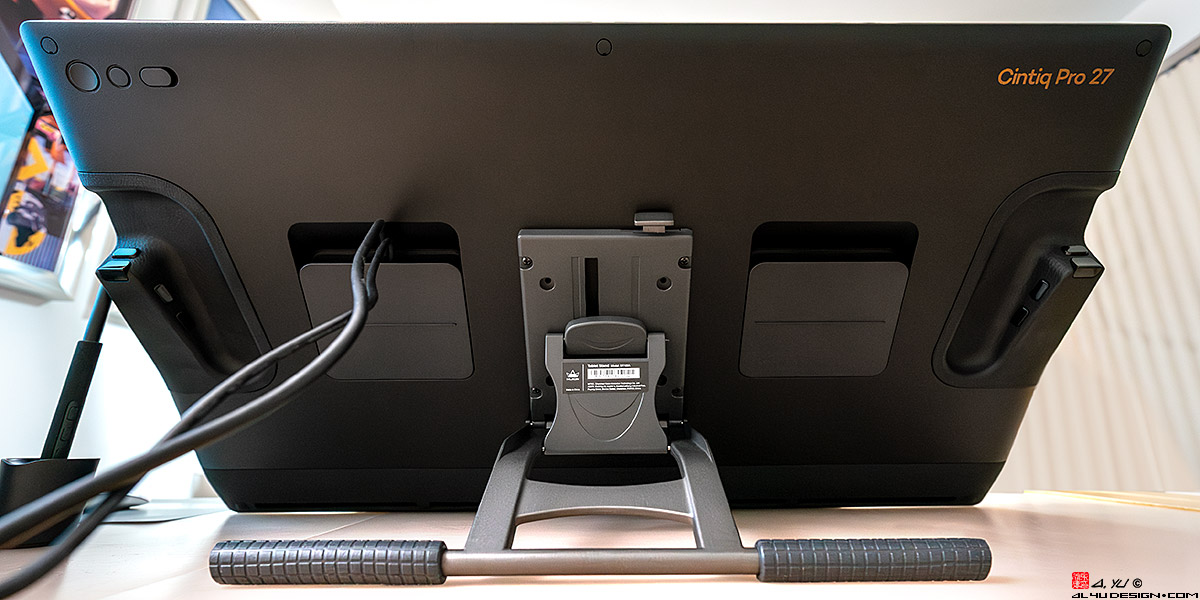 HUION STAND This $50 Huion stand works perfectly with the Cintiq Pro 27 and provides all of the drawing angles I need. One Thunderbolt USB C cable connects the Cintiq to the Mac, and the other supplies the power. HUION KAMVAS 16HD (2021) KAMVAS 16HD is my mobile pen display with a 344 x 194 mm (13.5 x 7.6 in) drawing area. HD 1920x1080 is perfect for a 16 inch screen as the tool icons for Photoshop and Illustrator are still easy to see. In my opinion, the 16 inch pen display is the perfect size for a mobile setup. 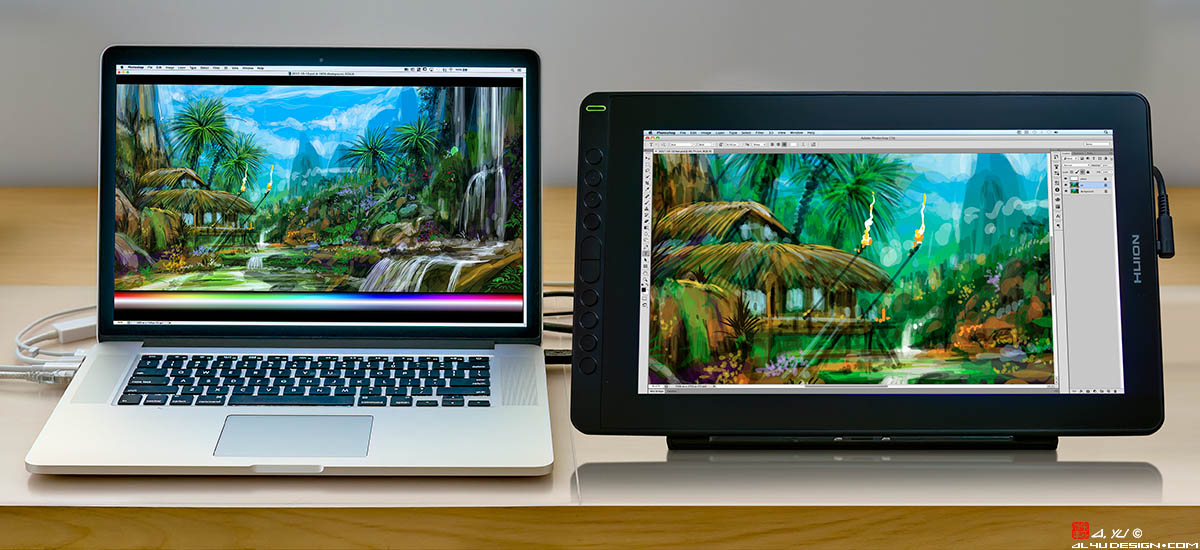 MOBILE SETUP: The Kamvas 16HD is used in a dual-monitor setup, displaying the entire artwork on the MacBook Pro, while drawing details on the pen display. This eliminates the need to zoom in and out constantly to see the entire artwork. 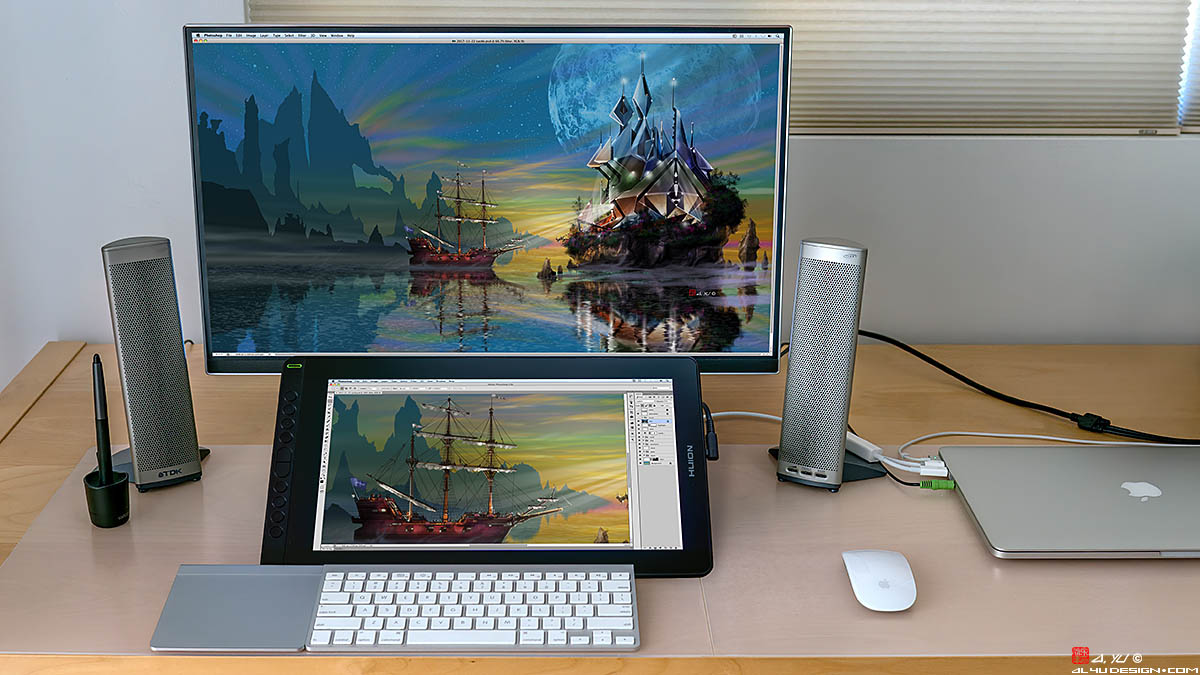 STUDIO SETUP: The Kamvas 16HD is paired with a LG 27" 4K monitor, displaying the entire artwork on the 27" monitor, while drawing details on the pen display. This eliminates the need to zoom in and out constantly to see the entire artwork. 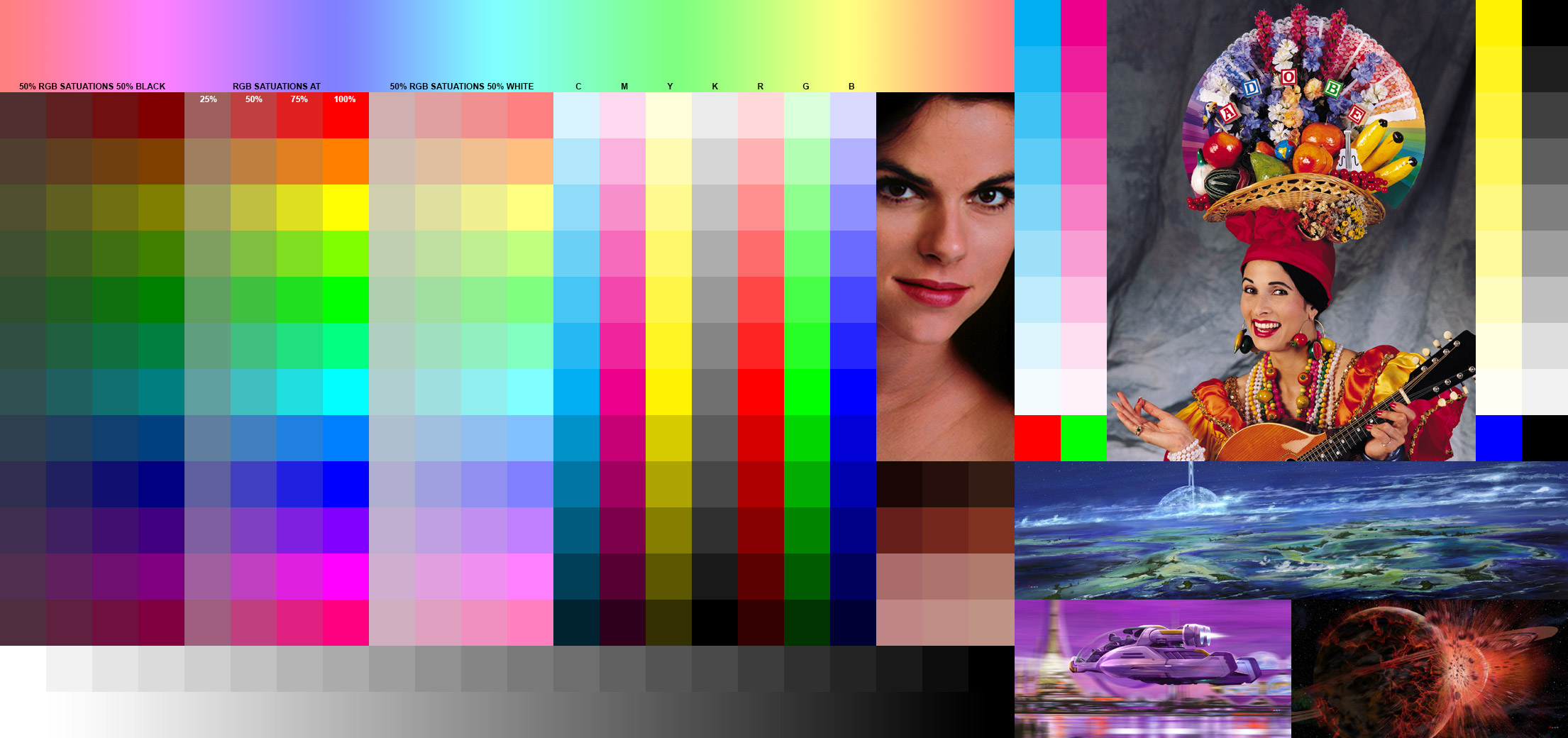 COLOR CHART This chart is used to calibrate monitor, printer, and scanner color accuracy. Hover over the image to show more color information. 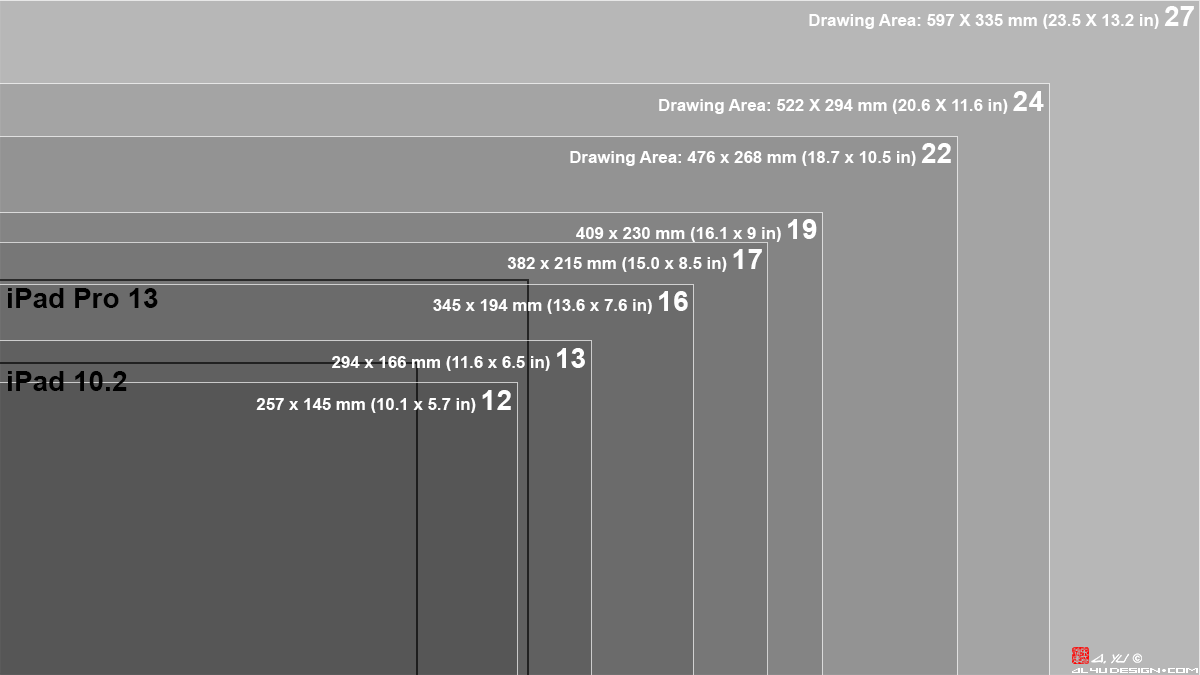 PEN DISPLAY SIZES Get the largest pen display you can afford and carry! 16 to 19 inch models can fit inside backpacks. 22 to 27 inch desktop pen displays speed up workflow, make drawing details easier, and reduce eye fatigue. 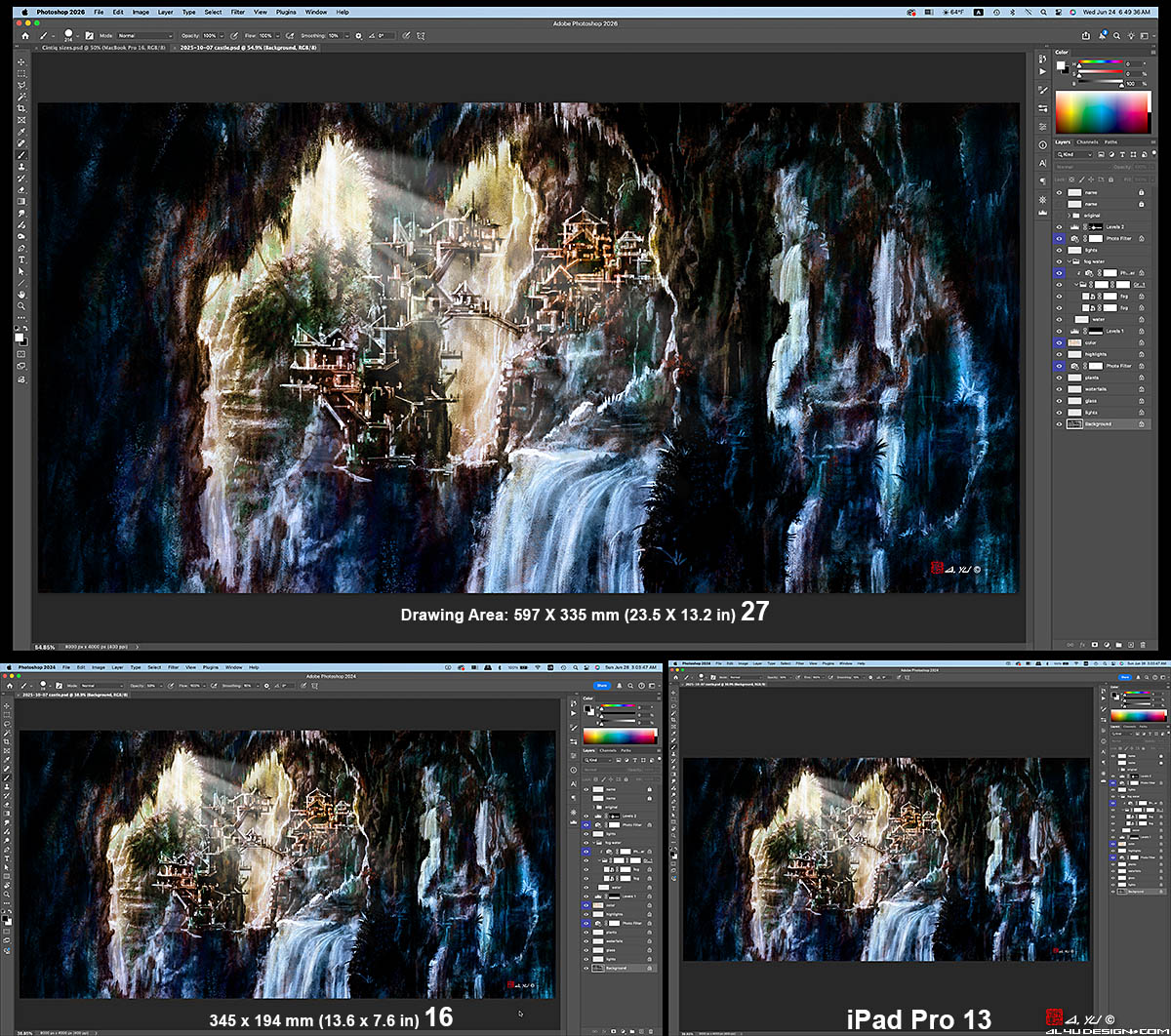 The size differences between 13 and 16 inch screens are very noticeable. FEATURES BRIGHTNESS: Most pen displays have 220 to 250 nits of brightness. High-end models have 290 to 400 nits of brightness. Get the brightest model you can afford! COLOR DEPTH: Most pen displays support 8 bit 16.7 million colors, which is good enough for most digital art. High-end models deliver 10 bit 1.07 billion colors, needed for professional photo and video editing. PEN ROTATION: Wacom Art Pen, Art Pen 2, and Apple Pencil Pro support brush rotation, delivering the natural feel of flat brushes and calligraphy pens. Other brands don't offer this feature. REFRESH RATE: Most pen displays have 60 Hz refresh rate. 120 Hz models cost substantially more and they are needed for 4K 120p video and high frame rate gaming. RESOLUTION: HD 1920x1080 is perfect for 16 to 19 inch pen displays. QHD 2.5K 2560x1440 is great for 22 to 27 inch monitors. 4K 3840x2160 resolution is wonderful, make sure your computer can handle it. BRANDS WACOM CINTIQ products have better performance, brightness, and feature brush rotation. Cintiq Pro 2023 models feature 10-bit 1.07 billion colors and 120Hz refresh rate. HUION KAMVAS pen displays are affordable alternatives to Wacom products. Must read the specs to identify which "Pro" models can display 1.07 billion colors. XP PEN ARTIST pen displays are affordable alternatives to Wacom products. Must read the specs to identify which "Pro" models can display 1.07 billion colors. APPLE iPADS can be used as pen displays on a Mac, using Mac OS SIDECAR. Apple Pencil Pro supports brush rotation. |
||
|
||
Copyright © 1999-2026 Albert Yu. All rights reserved. |